How to Work with Ergonomics and You
Ergonomics and You offers four primary ergonomic assessment services, both in person and virtually, to help individuals, seniors, and students achieve healthy, comfortable workspaces that reduce pain and improve the workstation experience.
Typically, we find that individuals, HR staff, office managers, school administrators, and other wellness professionals in an organization are those who reach out to us for assistance with ergonomic assessments.
Office Ergonomics Evaluation
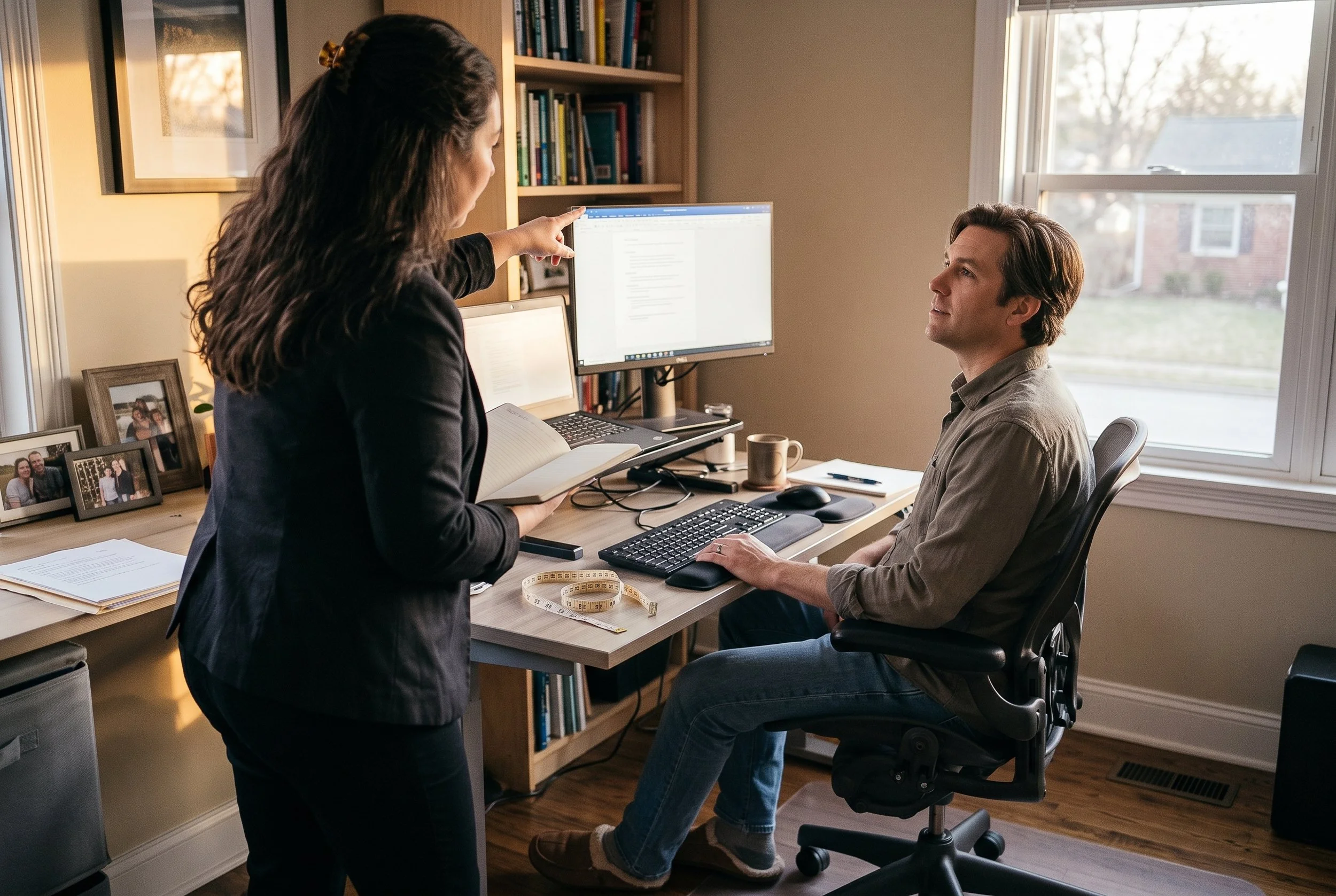
A 60-minute, 1:1 ergonomic workstation assessment that can be held in-person or virtually. The appointment includes measurements, on-the-spot adjustments, a written report, and personalized product recommendations. Each appointment includes a 30-day follow-up.
Recommended for: Anyone with back, neck, or wrist discomfort at their desk or workstation.
$300
Ergonomics Presentation
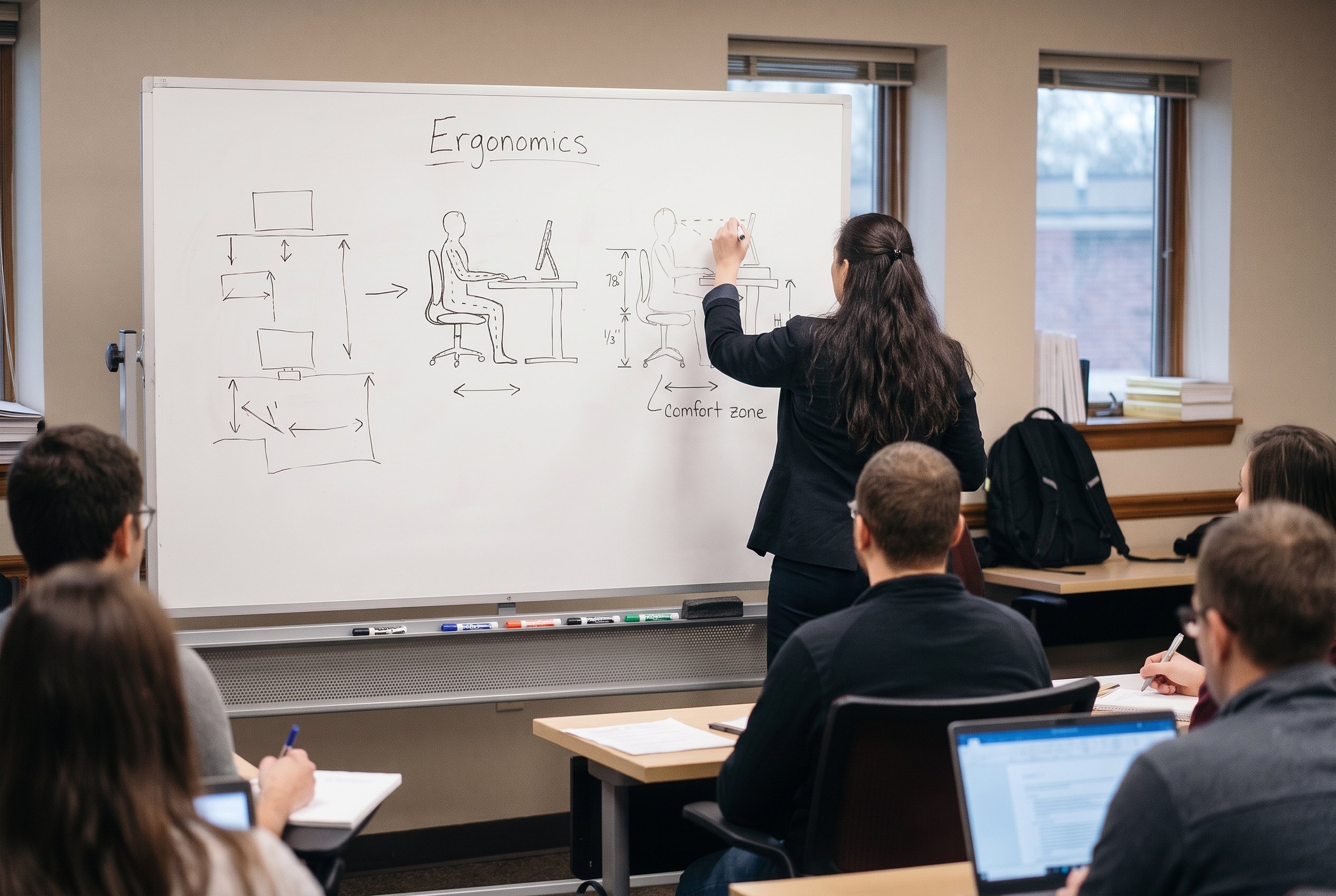
A 60-90 minute office ergonomics presentation that can be held in person or virtually for groups in the workplace. It covers the 7 areas of workstation setup, which include the chair, keyboard and mouse, workstation height, monitor, laptop use, phone use, and the importance of taking breaks. Recommended stretches, keyboard shortcuts, handouts, Q&A time, and a live demonstration (if equipment is available) are also included.
Ergonomic presentations for senior groups or those that are retired are available as well, including best posture while using personal electronic devices such as tablets and cell phones.
Recommended for: Groups of 10 or more
$250

Office Ergonomics Lunch and Learn
A 30-minute office ergonomics presentation that offers a high-level review of the 7 areas of workstation setup. Available both virtually and in-person, this presentation includes laptop tips, or it can be adapted for seniors to offer ergonomic tips for using digital devices like cell phones, laptops, and tablets. Handouts are made available along with time for Q&A.
Recommended for: Office staff or other professional groups of 8 or more
$150

A 30-45 minute, in-person, student ergonomics presentation designed for middle and high school students and their parents. This presentation covers proper use of tablets, cell phones, and laptops; desk and chair height alignment; and setting up their own devices for an optimal workspace. Handouts and a live demonstration are also included.
Recommended for: PTA’s, principals, and school leaders or administrators to schedule for the appropriate student/parent groups.
Student Ergonomics
$200

Ergonomic Resources for Your Home or Office Workstation
If you’re looking for more information in between appointments, start with these free resources:

Keyboard Shortcuts to Reduce Typing Strain (Free PDF Guide)
A quick guide to keyboard shortcuts that help you get the job done with less work on the keyboard. Includes both general recommendations and recommendations specific to Microsoft Excel, Word, and Outlook.

Text Neck Explained: How Phone Use Strains Your Neck (Chart)
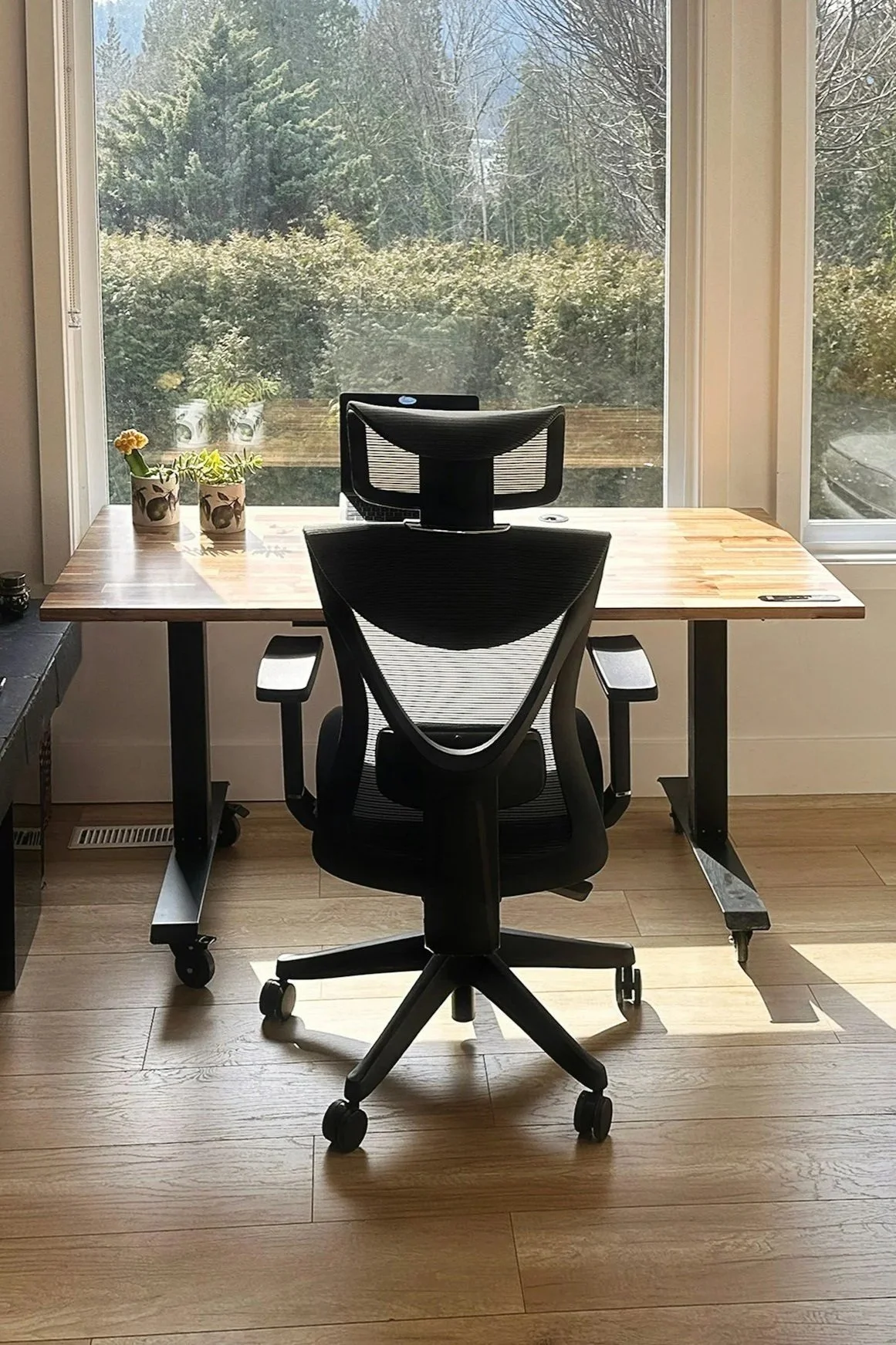
A detailed list of recommended ergonomic tools available through Amazon. Includes recommendations for your computer mouse, keyboards, computer stands, footrests, wrist rests, backrests, document holders, webcams, and handheld device tools.
Subscribe to Kim’s Weekly Office Ergonomics Newsletter
A simple chart explaining the various effects of neck strain that can occur with device usage. Includes insights regarding the effects of looking at your phone while walking, standing, and sitting.
Best Ergonomic Office Products on Amazon: Kim’s Picks
A weekly newsletter that discusses good posture while you are working at your computer workstation or with your electronic devices. Includes insights about posture checks, ergonomic tools, ergonomic tips for children, and workspace ergonomics.
Feel Better, Sooner
Ready to learn more about Ergonomics and You?